

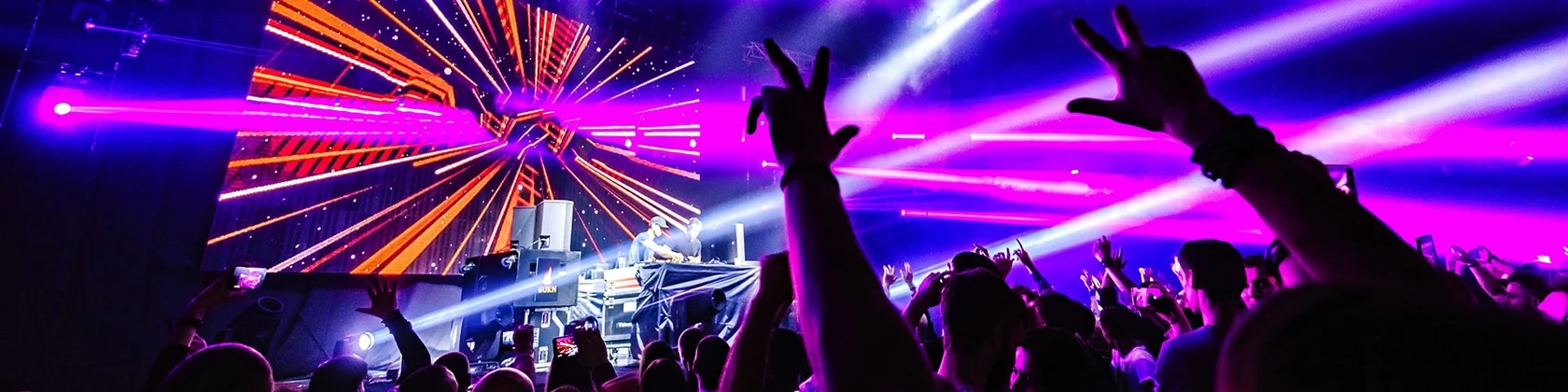

300 VISUALS INCLUDED
NUCLYR
NUCLYR software with the Pro Visuals Vault.
One-time purchase
NUCLYR BY BEATFLO
Automatically sync videos, presets, transitions, cameras, and effects to your music in real time. Use NUCLYR for live performances, streams, and installations.
+ Free upgrade to v3 this December
macOS · Windows
Compatible with:
Save on NUCLYR visual performance software and every visual library and bundle.
+ Free upgrade to v3 this December with any NUCLYR license.
Choose a one-time license or add a visual library to your setup.
300 VISUALS INCLUDED
NUCLYR software with the Pro Visuals Vault.
One-time purchase
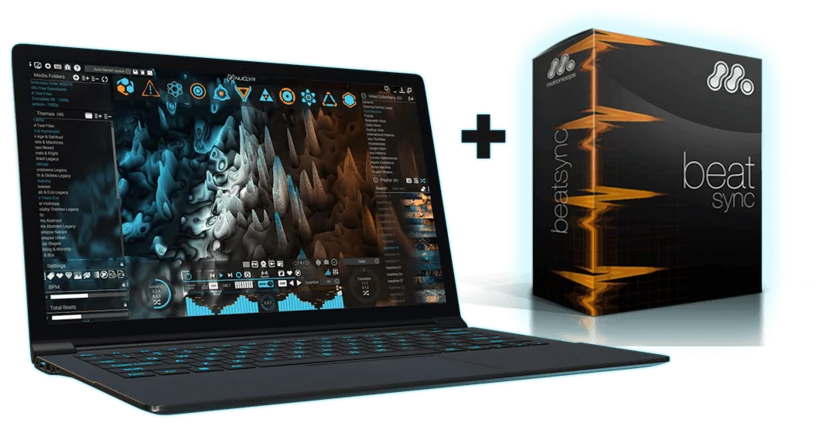
930 BEAT-SYNCED CLIPS
Software plus 31 tempo-based visual collections.
720p · Limited License
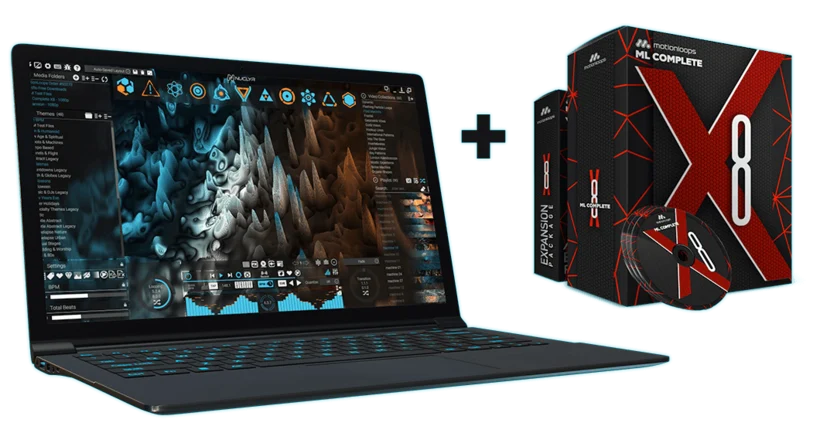
9,800 CLIPS
Software plus 297 collections, including Beat Sync.
720p · Limited License
Works with
your setup




















ARTIST-CONTROLLED VISUALS
NUCLYR v1 launched as Vidjam in 2020. You choose the clips, cameras, and effects. The playback engine analyzes the music and uses your timing, cues, and settings to keep the visuals on beat.
Build a playlist from your tagged media and let NUCLYR change clips and transitions in time with your set.
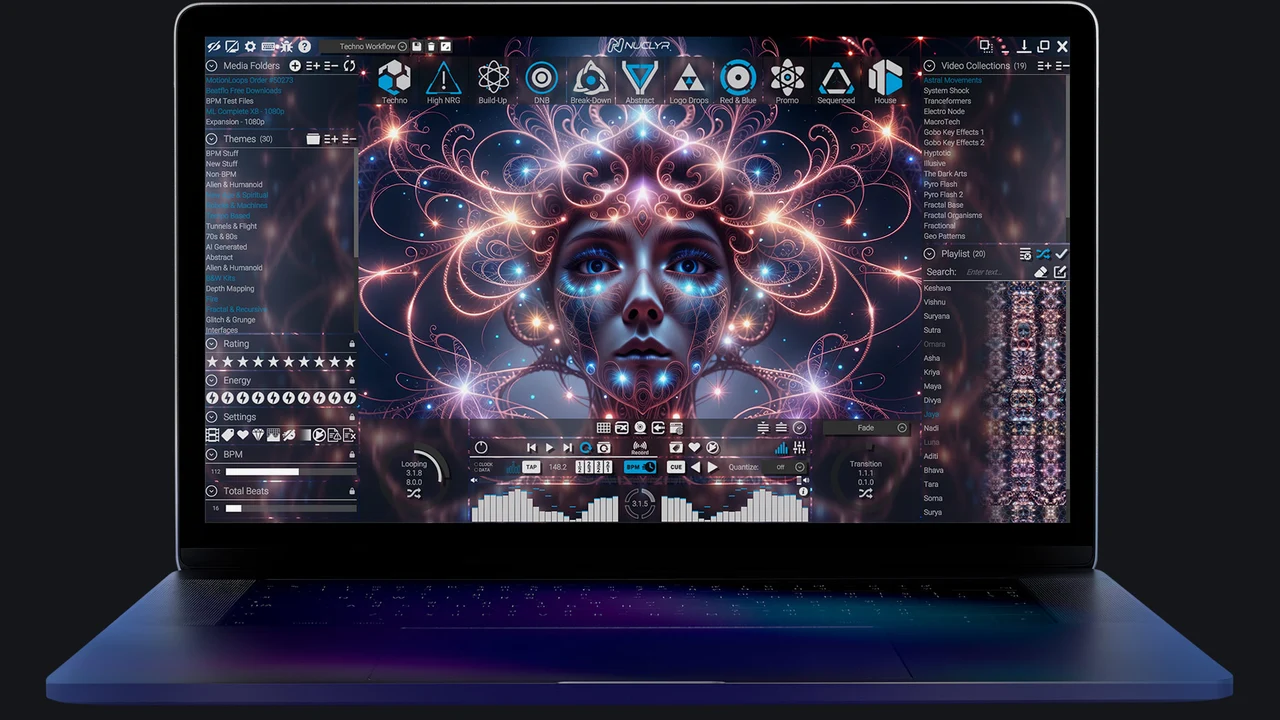
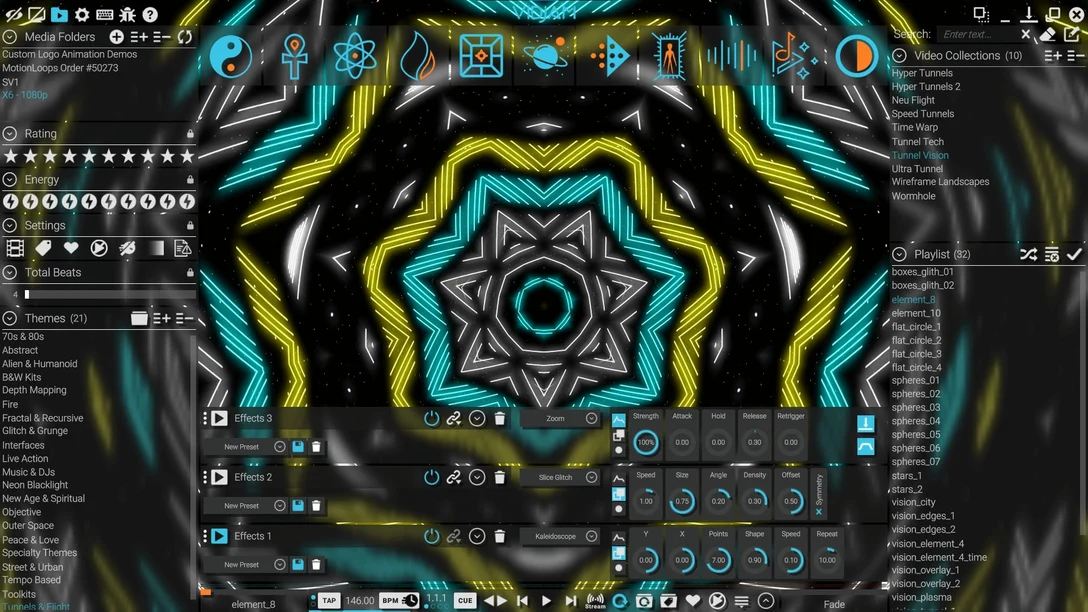
Build scenes with video, cameras, overlays, and effects. Call them up instantly and adjust each layer as you perform.
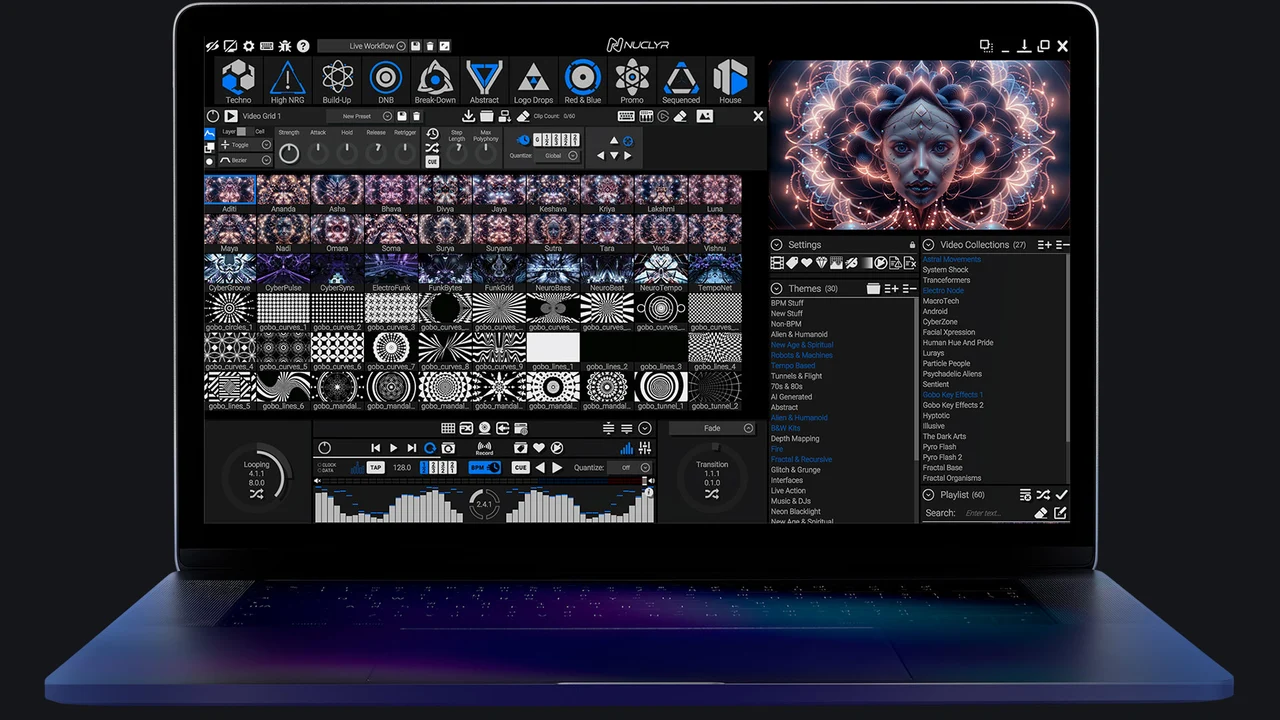
NUCLYR FEATURES
Set clips to change every eight bars, bring in an effect on the drop, or cut between live cameras in time with the music.
Use audio or MIDI to make your visuals react to the music. With StemCast, you can map the kick or bass to an effect control.
Assign any parameter to audio frequency bands or to looping or one-shot envelopes. You can also sync with autopilot sequencing, playlist transitions, or MIDI.
Detect the tempo in real time from your music.
Build scenes from layers, effects, and cameras, then recall them instantly during a live set.
Run NUCLYR on its own or add it to your existing video performance workflow.
Download new sets directly inside NUCLYR. Explore the free visuals.
Synchronize with VJ software, DJ software, DAWs, and MIDI hardware.
Route your video to OBS for streaming, or go live directly from NUCLYR.
Record in NUCLYR and stream directly to Facebook, Twitch, YouTube, and Mixcloud.
Switch cameras on the beat and apply tempo-based effects to live feeds.
Show your animated branding automatically as often as you choose.
Automate parameters so they follow the tempo as it changes.
Make musical adjustments in beats or time.
Create buttons with miniature video previews.
The X8 bundle includes more than 2,000 scenes with built-in beatgrids.
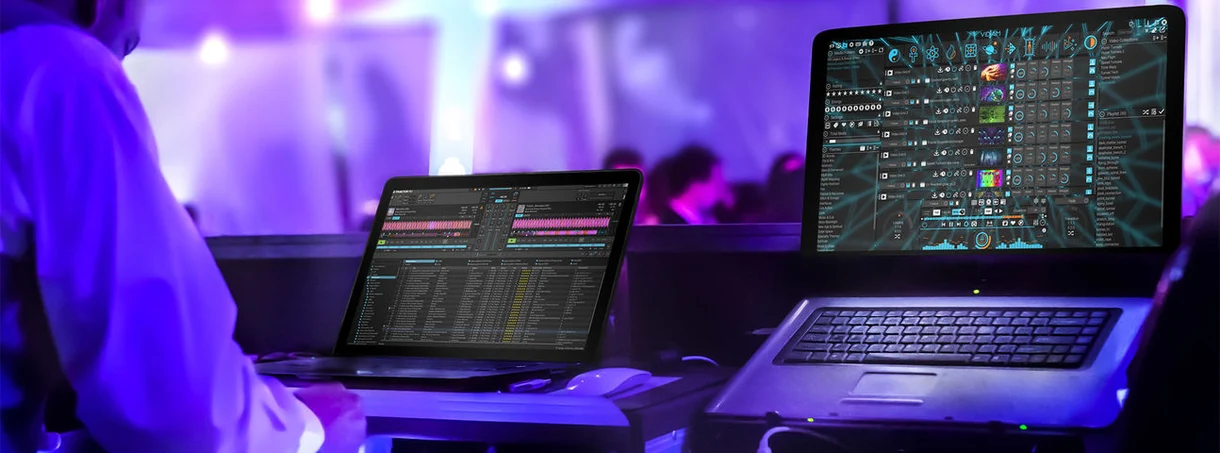
INPUTS & OUTPUTS
NUCLYR is visual performance software for DJs, VJs, streamers, bands, tours, venues, and nightclubs. Venues can run it in stand-alone mode for unattended playback using preset themes. Live acts can synchronize videos and cameras with their music in real time.
Run NUCLYR on its own to send visuals to online streaming platforms and local displays at the same time. VJs and streamers can also route NUCLYR’s output to apps like OBS and Resolume using Spout, Syphon, or NDI. Visit the resources area for tutorials and details on the latest features.
VISUAL LIBRARIES
Every license includes the Pro Visuals Vault. Choose a bundle for more pre-tagged clips and themed collections.
300 visuals
Tempo-ready visuals included with every NUCLYR license.
Explore NUCLYR930 videos
31 tempo-based collections, including Laser Bass and Vector Tech.
View Beat Sync bundle9,800 videos
297 collections of motion graphics, 3D animation, and live-action clips. Includes Beat Sync.
View X8 bundleTHE 2.2 SERIES
Enable clip audio in Audio Preferences and have it fade in and out with transitions or layer timing.
Bring ISF, ShaderToy, and Synesthesia Shader Format (SSF) shaders into the FX Manager, individually or in folders.
Use JavaScript to change shader parameters as effects load or update them frame by frame.
Auto Gain Control adjusts the input level for audio-reactive effects as the signal changes.
Borderless fullscreen makes it easier to switch apps. Updated secondary-display handling improves external screen support.
The latest update fixes freezes during recording or streaming and when playing certain clips with empty audio tracks.
Yes. Choose the Mac or Windows download on Beatflo’s site and enter your name and email to get the installer. The demo is fully functional and adds a watermark to the output.
Yes. Beatflo supports Apple silicon, Intel Macs, and Windows PCs. See the product page for system requirements.
Yes. It can detect tempo from incoming audio and send visuals directly to a connected display. It can also send video to VJ or streaming software through supported outputs.
NUCLYR FOR MAC & WINDOWS